
Loop any part of a YouTube video
A free YouTube looper: drag the handles to choose the part you want, slow it down, or share the loop. No ads, no account, nothing to install.
An example: the finger position for an A chord, on repeat. Paste your own link above, or press Start loop anywhere in this one.
Start1:54.0
--loop length · example
End--
Quick capture
Capture a moment around the current playback position.
Moments viewers point at
Times people mention in the video's top comments.
Share this loop
The start, end, speed and note are saved in the link. No account needed.
Sign in with Google to keep it, on every device you use.
Playback speed
Keyboard shortcuts
L starts and ends the loop, Space plays and pauses, R replays, S is slow-mo (hold S to creep at the slowest speed), N opens the note. I and O set the start and end on their own, [ and ] change the speed by 0.05, M mirrors, Z shows the full timeline or zooms back, and the arrows move a second (Shift for a tenth). A page-turner pedal works too: Page Down plays and pauses, Page Up replays.
Skip marks
StudioBuild from this loop
Turn this moment into something bigger.
How to loop part of a video
- 1
Paste a video
Drop in a YouTube link. No account needed.
- 2
Pick your moment
Set where the loop starts and ends.
- 3
Make it yours
Loop it, slow it down, add a note, and share.
What can you loop?
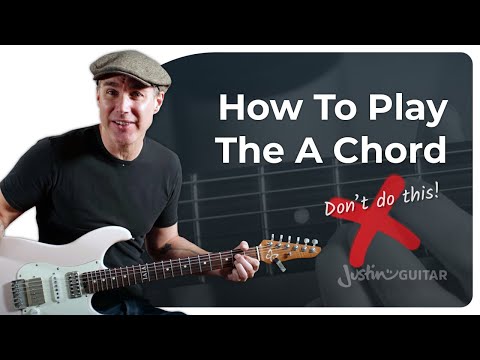
 Music practiceMaster a tricky riff, solo, or chord progression. Slow it down and build up to full speed.Explore music practice
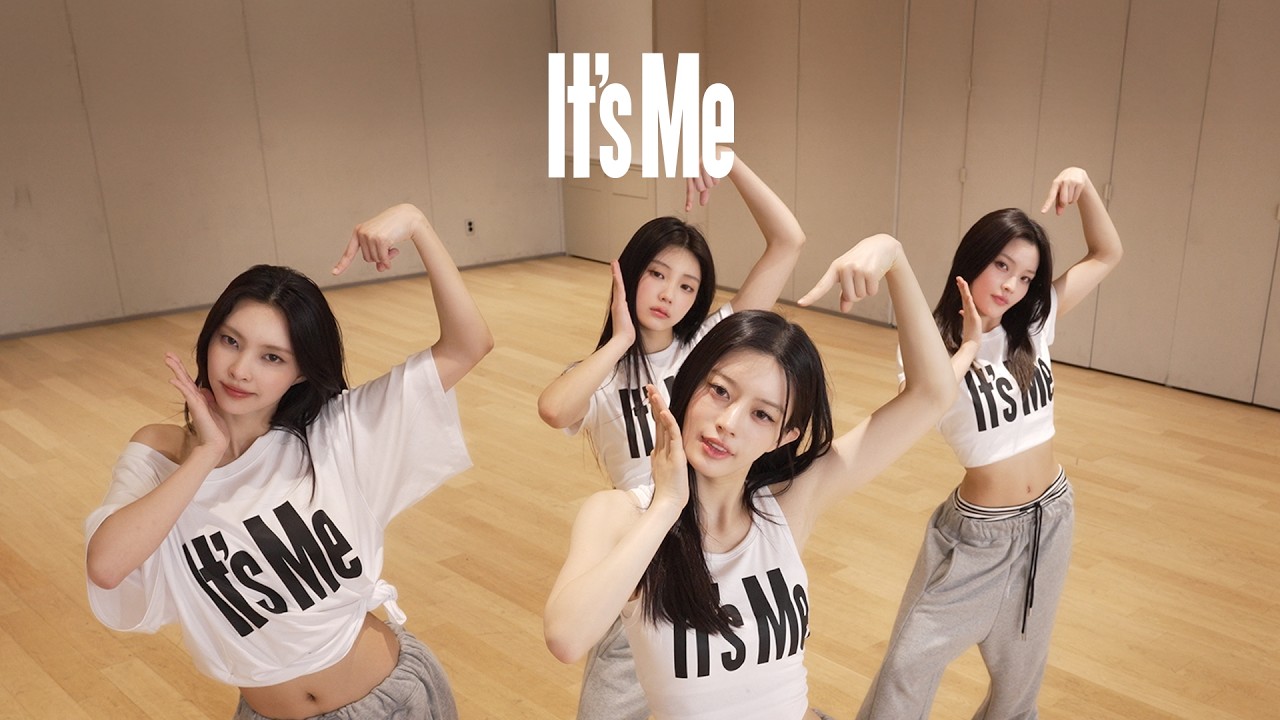 Dance practiceLearn every move, one count at a time. Mirror, slow down, and repeat until it clicks.Explore dance practice
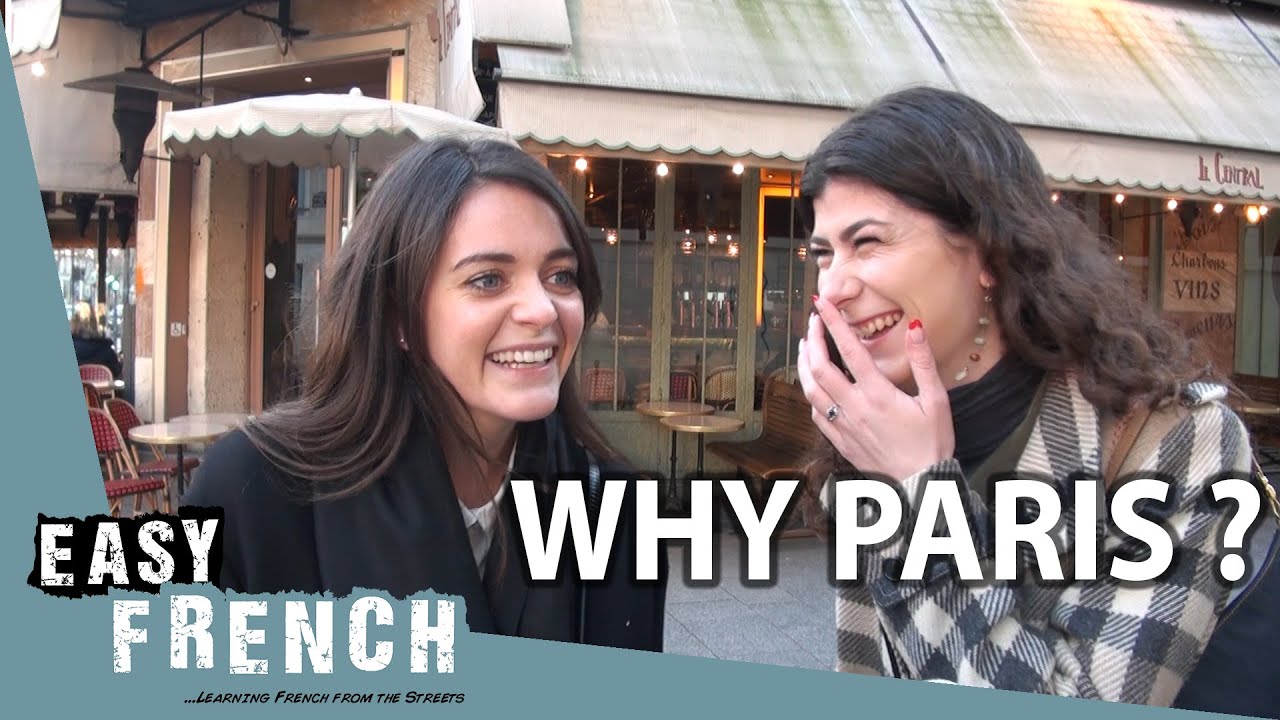 Language learningReplay difficult words and sentences. Listen, repeat, and improve your pronunciation.Explore language learning
 Sports & tutorialsStudy a play, swing, or technique frame by frame. Replay the key moment until you see every detail.Explore sports analysis
Frequently asked questions
What is a YouTube looper?
A YouTube looper repeats a video, or just one section of it, on its own until you stop it. This one is free and runs in the browser: paste a YouTube link, set where the section starts and ends, and it plays that part over and over, at any speed from 0.25x to 2x. No account, no extension, and the video keeps playing in YouTube's own player.
Can YouTube loop just one section of a video?
Not by itself. YouTube's own Loop, in the player's right-click menu, repeats the whole video from the beginning. Repeating one section needs a start point and an end point, an A-B loop, which is what this page adds on top of YouTube's player.
How do I repeat just one part of a YouTube video?
Paste the link above and the whole video starts looping. Play it to where your part begins and press Start loop. Let it run to where the part ends and press the same button, which now says End loop. It jumps back to the start and keeps repeating that part until you stop it. You can also drag the two red handles on the bar. If the video has chapters in its description (Verse, Chorus, Solo), Loop a chapter sets both points in one tap.
Is it really free? Are there ads?
Yes, it is free, and Playback shows no ads of its own. Looping, slow motion, the speed steps, mirror and sharing need no account and have no paid version. YouTube may play its own ads before a video, as it does wherever its player appears, and those pay the person who made the video.
Can I change the start and end after I set them?
Yes. Drag either red handle on the bar under the video. The picture follows your finger, and letting go of the end handle plays the last two seconds into the repeat, so you can hear whether the join is clean before you share it. A start, an end, and an A-B loop between them.
Can I slow the loop down?
Yes. Slow-mo drops it to 0.75x, then 0.5x, then back to normal. If you need something in between, open Fine tune: half, three-quarter, normal and 1.25x are one press each, and More moves the speed in steps of 0.05 from 0.25x to 2x. The number shown is the speed YouTube's player reports back, so it is always the speed you are really hearing. YouTube keeps the pitch the same when it slows down.