
Playback for sports
Break down any play from a YouTube video
Pick the moment, slow it down, and share what you noticed.
Works with game film, highlights and practice clips on YouTube, TikTok and Vimeo.
- 1
Paste a video
Got a game, a highlight or a practice clip? Drop the YouTube link here.
- 2
Pick your moment
Mark the start and end of the play you want to study.
- 3
Show what matters
Add your take, pin a note to a moment, and share it all in one link.

See it in action
Break down a real play and try the tools for yourself.
The tip in! · @epic
Catch what you missed
Slow down the action, replay the key moment, and take a closer look at what happened.
Compare plays side by side
Line up to four moments and see the differences in timing, technique or positioning.
Practice it yourself
Loop a move, slow it down, and add a pause between repeats so you can try it yourself.
Whiteboard · for members
Draw the play
A whiteboard on a basketball court, a football field, a soccer pitch or eight more surfaces, from a volleyball court to a hockey rink: X's and O's, routes, dashed passes, notes and highlights. Keep it private, or share it with the team.
Open a whiteboard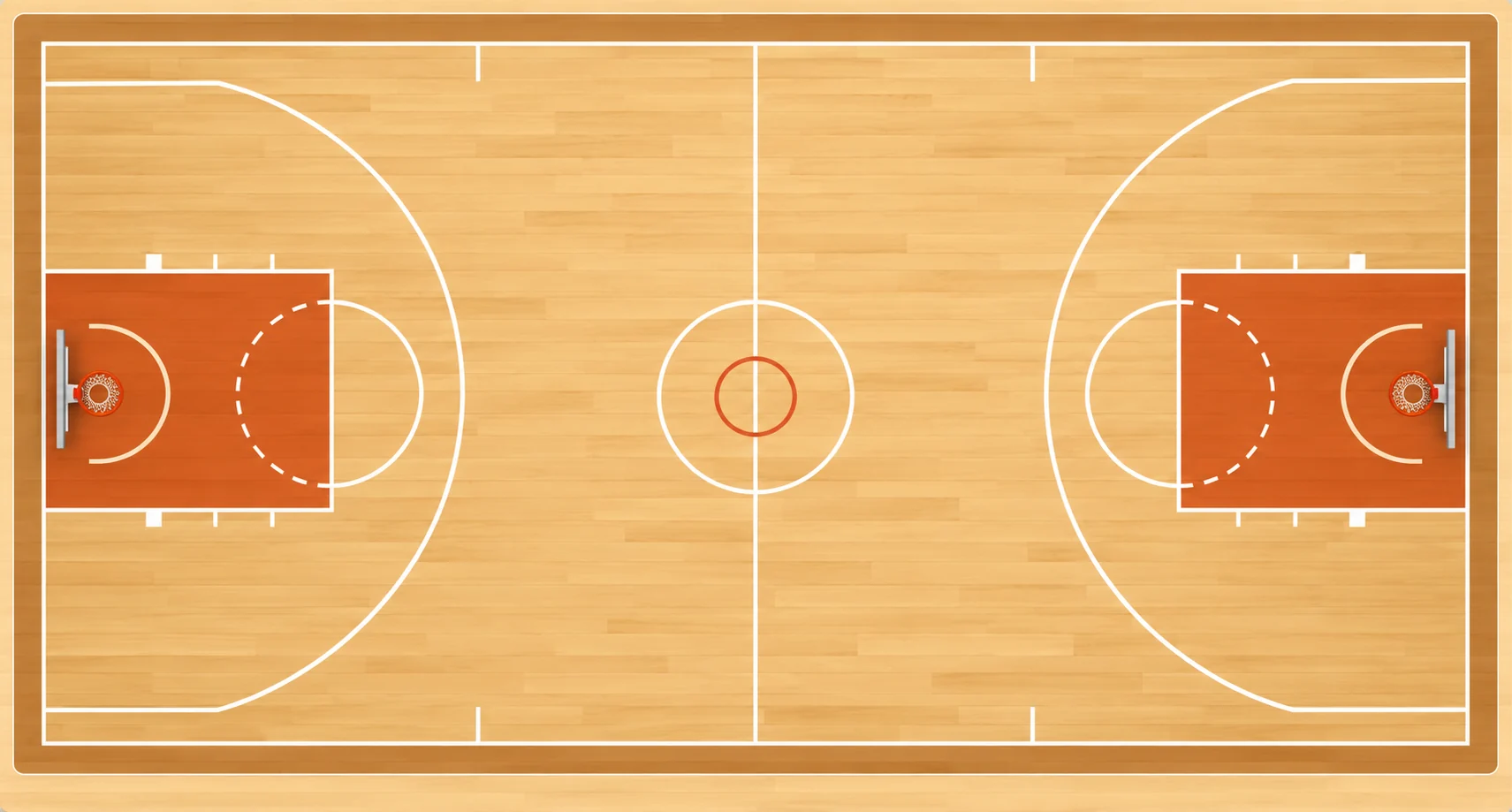
Keyboard shortcuts
Control playback without leaving the keyboard.
- JKL
- Back, pause, forward
- ,.
- Move in small steps
- Shift
- Slow motion while held
- O
- Turn looping on or off
See all shortcutsFewer shortcuts
- Space
- Play or pause
- ←→
- Back or forward 1 second
- ,.
- Previous or next frame
- JKL
- Shuttle back / stop / forward
- O
- Loop the moment on or off
- []
- Set loop IN / OUT
- \
- Back to the whole moment
- P
- Practice: passes, your-turn gap, count-in
- T
- Tap the tempo (Music practice)
- Shift
- Hold to slow to 0.25×
- M
- Mirror the picture left to right
- F
- Theater mode
- Esc
- Close panel / Exit theater / Reset loop
- ?
- Show or hide this list
- Page Down
- Play / Pause
- Page Up
- Restart loop
On any Playback, press ? for this list. Frame steps assume 30 frames a second, because YouTube does not share the real rate.
Questions
- Can my team see it without accounts?
- Yes. A Playback is a link. Anyone who opens it gets the same loop and the same frame-step controls, with no sign-in. Commenting works without an account too; you post as a guest and can claim the work later.
- Does it step frame by frame?
- Close to it. The comma and period keys move one thirtieth of a second at a time, because YouTube does not share a video's real frame rate, so on most footage a step lands within a frame of the one you want. Hold Shift to drop to quarter speed, and J, K and L shuttle back, stop and forward the way an editing deck does.
- Can I line up two angles of the same play?
- Yes. Compare holds up to four moments side by side with one set of controls: the same play from two angles, this season against last, your swing against a pro's. Set where each one's zero point is, the release or the contact, and they reach it at the same instant.
- Is it OK to use someone else's YouTube video?
- Playback never downloads, copies or re-hosts a video. The video plays from YouTube's own player, on YouTube's terms, with YouTube's own ads. What Playback saves is a pointer: the video's ID, a start and end time, a speed, and your words. If the owner removes the video from YouTube, it stops playing here too.